Quick answer:
The IHOP app, available on iOS and Android, lets you browse the menu, order ahead for pickup or delivery through the IHOP 'N GO platform, pay in-store with Pay N' Go, find nearby locations, and track your International Bank of Pancakes rewards. It's free to download and use, with no subscription required.
Skipping the dine-in experience entirely and just getting your pancakes to go has gotten a lot easier over the past few years, thanks to IHOP's dedicated app and online ordering system. Here's what it actually does, and where it occasionally falls short, since no app review is complete without an honest look at both sides.
What Can You Actually Do in the IHOP App?
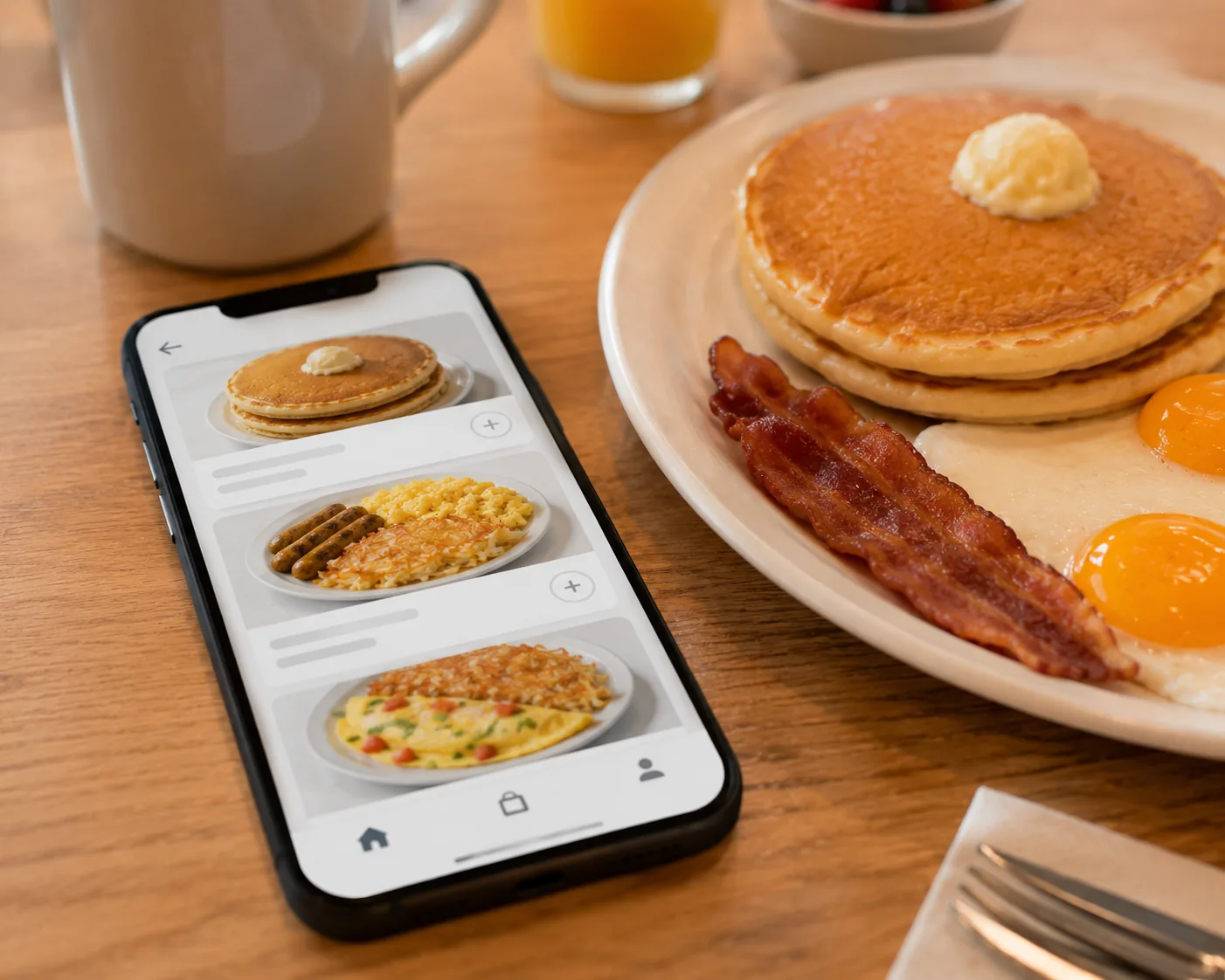
The app covers most of what you'd want from a restaurant ordering tool. You can browse the full menu with descriptions and nutritional information, place an order for pickup or delivery, customize items the same way you would in person, adding extra toppings or swapping sides, and pay directly through the app. The built-in locator uses your device's location to show nearby IHOP restaurants along with their hours and available services, dine-in, carryout, curbside, or delivery, which is genuinely useful if you're traveling or simply don't know your options in an unfamiliar area. For families or groups, the app also makes it easier to split or coordinate a larger order ahead of time rather than everyone deciding at the table.
Beyond ordering, the app ties directly into IHOP's rewards program, the International Bank of Pancakes, letting you track PanCoins, view available rewards, and apply them to an order without needing a separate loyalty card or printed coupon.
IHOP 'N GO and Pay N' Go: What's the Difference?
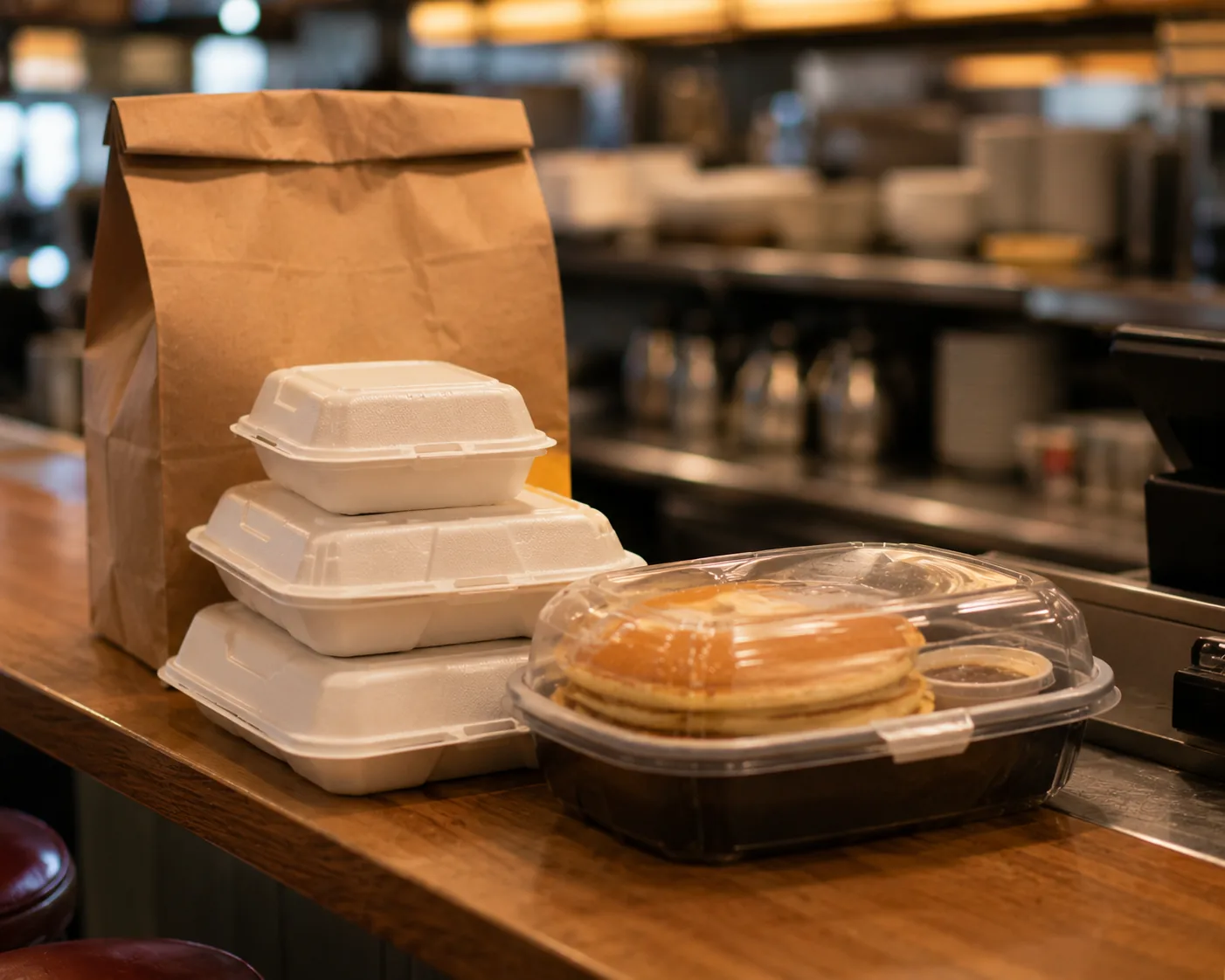
These two features get confused fairly often since the names are similar. IHOP 'N GO is the takeout and delivery platform itself, the system behind ordering ahead for pickup or having food delivered, built around specially designed packaging meant to keep pancakes and other items warm without making them soggy during transport. Keep in mind that in addition to using IHOP's official app, you can also search the grubhub ihop menu (or use DoorDash and Uber Eats) to get delivery directly to your door. Pay N' Go is a separate, in-restaurant feature that lets you pay your bill directly through the app while dining in, skipping the wait for a server to bring the check and process payment manually.
In short: IHOP 'N GO is for getting food without sitting down, Pay N' Go is for paying faster while you are sitting down. Both run through the same app, just for different parts of the visit.
Is the IHOP App Actually Reliable?
This deserves an honest answer rather than just listing features. App store reviews paint a mixed picture, plenty of users praise the rewards integration and the convenience of reordering past meals, describing meaningful improvements over the past few years. At the same time, a recurring complaint involves payment processing issues, with some users reporting failed transactions or checkout errors, particularly around delivery orders. Location-switching has also come up as a minor annoyance, since the app sometimes defaults back to a previously used restaurant location rather than remembering your current preference clearly.
None of this means the app is unusable, the core ordering and rewards functions work for the vast majority of users most of the time, but it's reasonable to go in expecting an occasional hiccup rather than a flawless experience every single time, especially during high-traffic periods. If you do run into a payment or order issue, contacting your specific restaurant directly by phone tends to resolve things faster than waiting on general app support, since the location itself can usually confirm whether an order actually went through on their end.
How to Get Started
- Download the app from the App Store or Google Play, it's free with no required subscription
- Create an account to access rewards tracking and saved order history
- Select your nearest location, since menu items and pricing are tied to your specific restaurant
- Join the rewards program if you haven't already, new members typically receive a free stack of pancakes after their first purchase
- Double check your selected location before submitting an order, especially if you regularly switch between multiple nearby restaurants, to avoid the location-mixup issue some users have reported
Ordering Through the Website vs the App
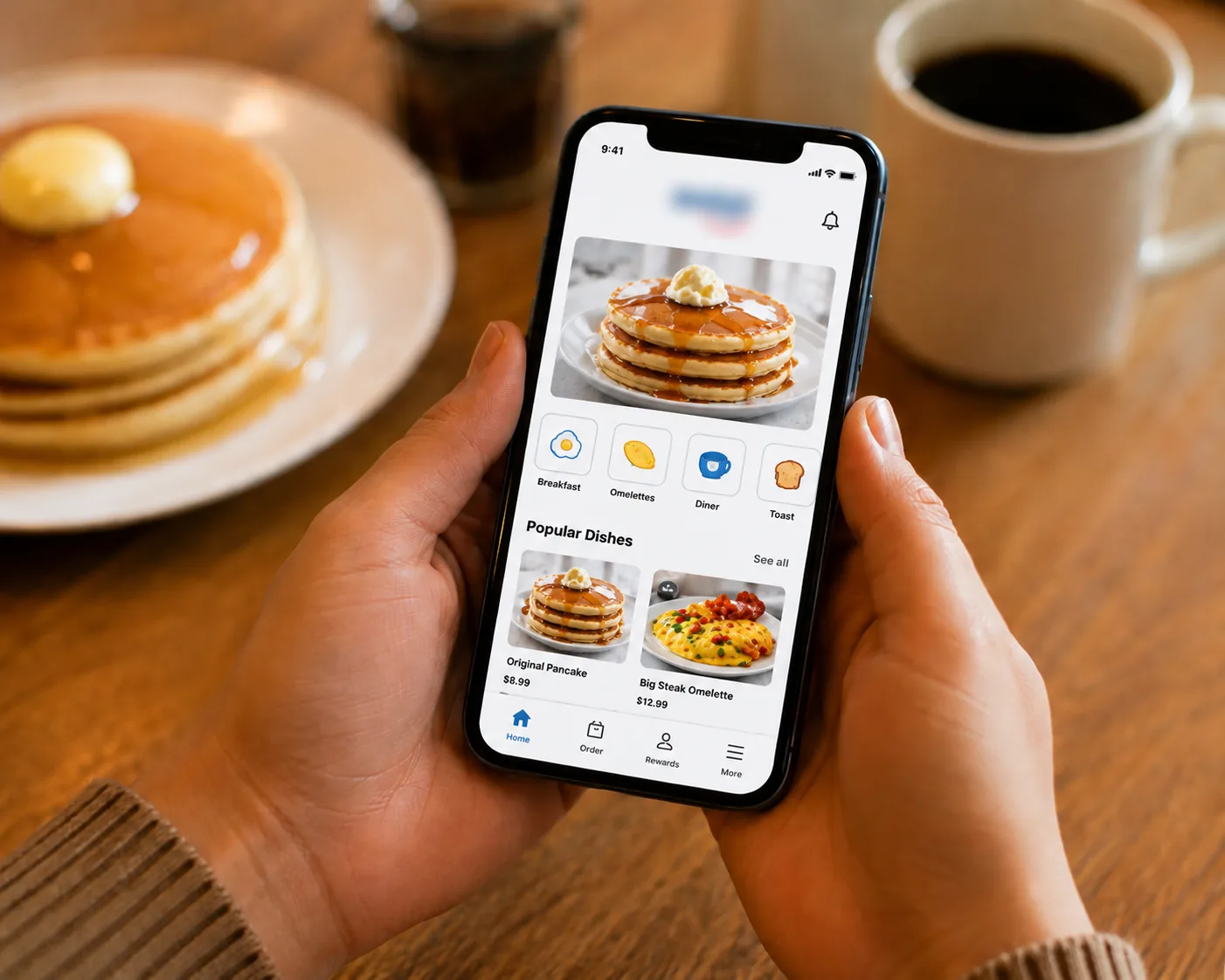
If you'd rather not download an app, IHOP's website offers the same core ordering functionality, menu browsing, location selection, and checkout, through a standard browser. The experience is broadly similar, though the app offers a slight edge for tracking rewards and reordering past meals quickly. For occasional orders, the website works fine, while frequent customers generally find the app more convenient for the loyalty tracking alone. Either path gets you to the same menu and the same rewards account, so it really comes down to whether you prefer keeping a dedicated app on your phone or just bookmarking a page in your browser.